

Who’s responsible for performing the mapping?
Prequel Import provides tooling to support both the Destination owner (you) to perform the mapping, as well as to expose this experience to your users. If you plan to embed this experience for your customers, please see the Customer Experience guide.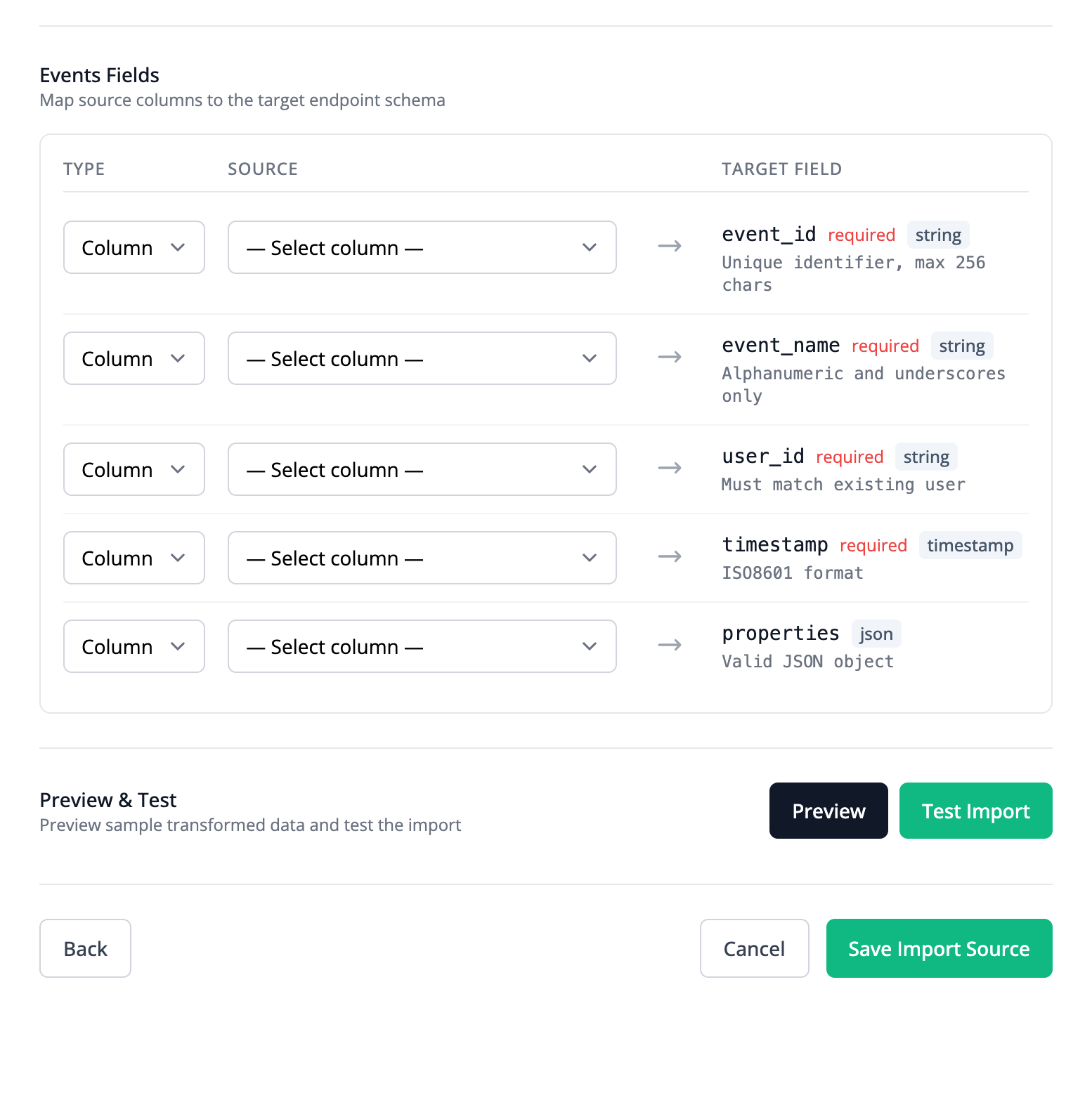
Custom queries
At a full table level, custom SQL queries can be used to transform the Source data. This is a good solution for users that are comfortable with SQL, or who need aggregations or logic that spans multiple rows.Mapping categories
Each Stream mapping has afield_type that determines how the target Destination field is populated. The two categories are summarized below.
Column mapping
A
field mapping copies a Source column value directly into a target Destination field.Column transformation
An
expression mapping computes the target value from one or more Source columns using a formula (expression).POST /streams
Expression syntax
Expressions use the expr-lang language. Any operator or built-in function from the expr-lang language definition is supported.Additional supported functions
Prequel Import also provides the following additional helper functions for common transformations:Object storage virtual columns
For object storage and SFTP sources, every extracted record includes two virtual columns derived from the object’s storage metadata, such as the object key and its last modified time. Reference them in mappings and expressions by name, like any other Source column. For example, an expression can extract a report date from the object key when the rows themselves do not contain one. See Datasets for how these columns are populated and their role in change detection.Source record schema
In addition to referencing Source columns directly by name, expressions can inspect the Source record schema via theRECORD_SCHEMA() function. It can be called with no arguments to return the full schema map, or with a column name to inspect that column’s metadata:
RECORD_SCHEMA("<column_name>").column_name(string): The name of the source column.RECORD_SCHEMA("<column_name>").typeor.prequel_type(string): The Prequel data type (e.g."string","integer","timestamp").RECORD_SCHEMA("<column_name>").raw_type(string): The native data type from the source system (e.g."VARCHAR(255)","NUMERIC(10,2)").
RECORD_SCHEMA()["<column_name>"].type.
This allows expressions to dynamically inspect types and conditionally adapt transformations to schema variations across sources without colliding with source columns: