> ## Documentation Index
> Fetch the complete documentation index at: https://docs.prequel.co/llms.txt
> Use this file to discover all available pages before exploring further.
# Azure blob storage
> Connect your Azure Blob Storage container as a source
This connection authenticates with a shared access signature (SAS) token scoped to the container you want to read from. The token grants read and list access only, and you can set an expiry date and revoke it at any time from your storage account settings.
## Step 1: create an access token
In the Azure portal, navigate to the **Storage accounts** service and click the account that contains the container you want to read from. Make a note of the **storage account name** and the **container name**.
In the navigation pane, under "Security + networking", click **Shared access signature**.
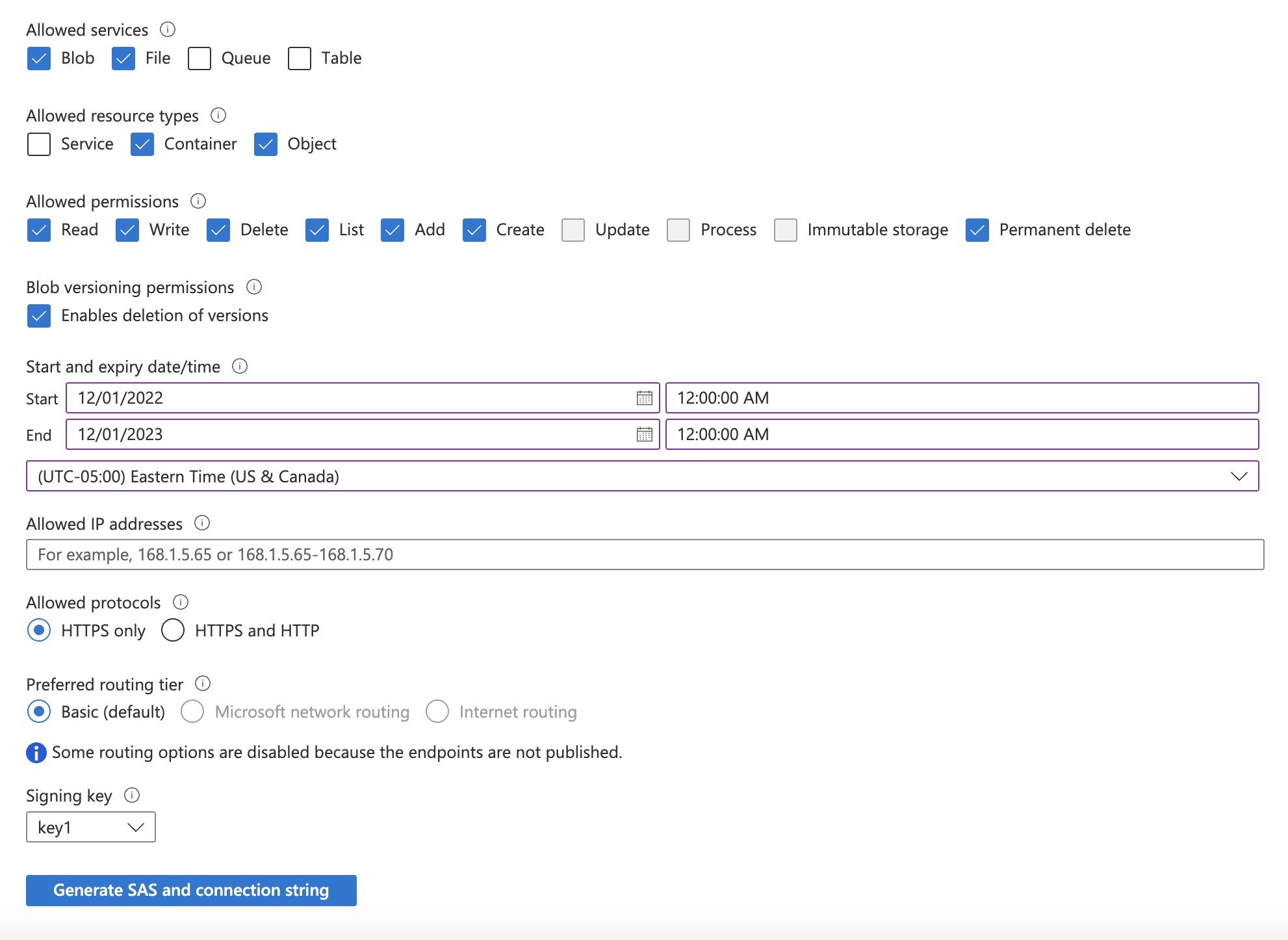
Update the required accessible services and permissions:
1. Under "Allowed services", select **Blob**.
2. Under "Allowed resource types", select **Container** and **Object**.
3. Under "Allowed permissions", select **Read** and **List**.
Select a "Start and expiry date/time" based on your security posture (for example, set the expiration date 6 months into the future), and click **Generate SAS and connection string**. Make a note of the **SAS token** that is generated.
If you limit network access on the storage account, add the static IP to the allowed address range so we can reach the container. Reach out to your account representative for the static IP address to use.
## Step 2: submit your connection details
Provide the following details to complete the source setup:
1. The **name** is a descriptive name of the source.
2. The **storage account name** from Step 1.
3. The **container name** from Step 1.
4. The **Storage account SAS token** from Step 1.