> ## Documentation Index
> Fetch the complete documentation index at: https://docs.prequel.co/llms.txt
> Use this file to discover all available pages before exploring further.
# Building your customer experience
> Create a connected data import experience for your customers
# Recommended UX
There are two primary user experiences to consider when designing your embedded Data Import feature: the ***Setup Connection*** experience and ***Monitoring*** experience.
## Setup connection experience
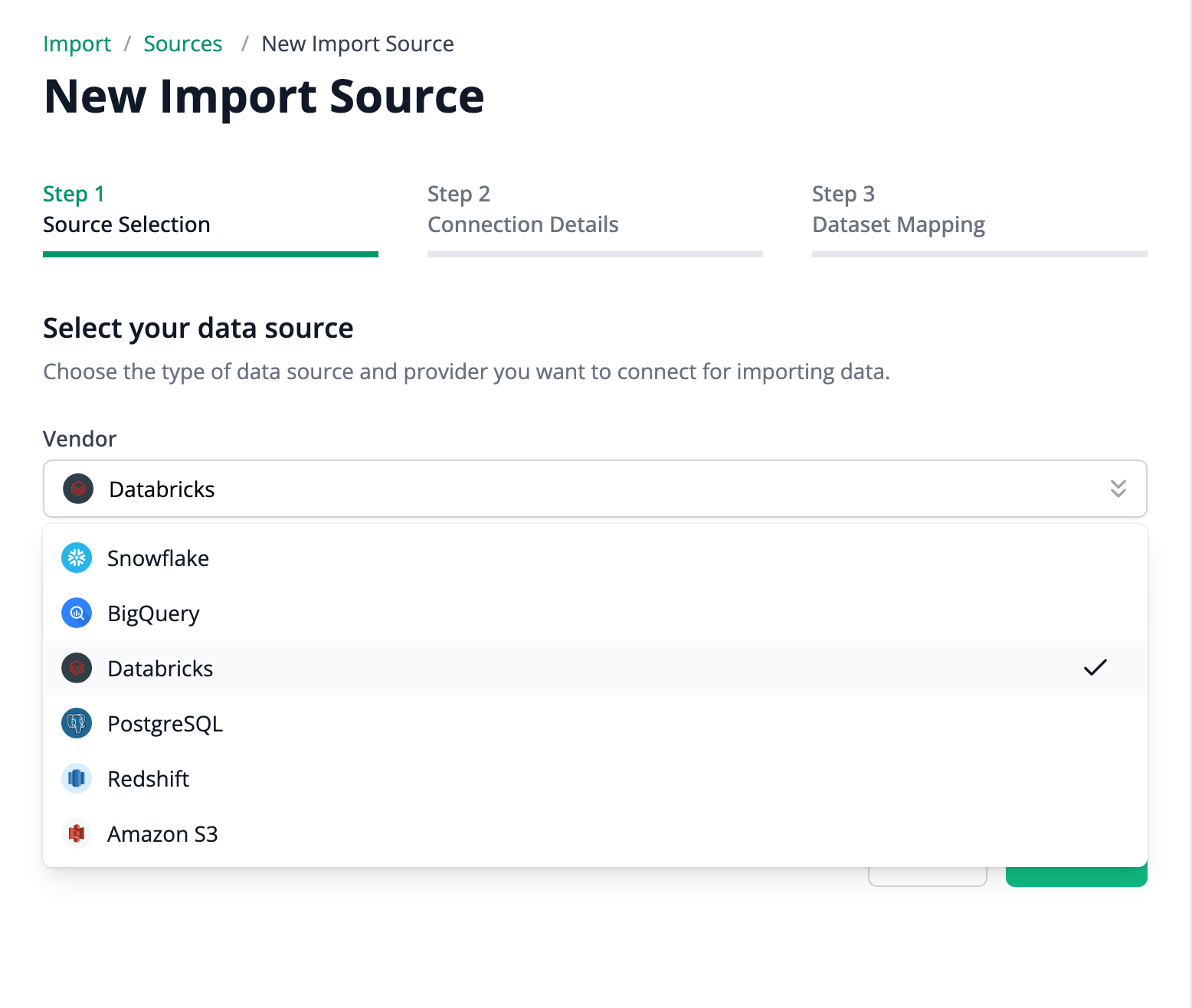
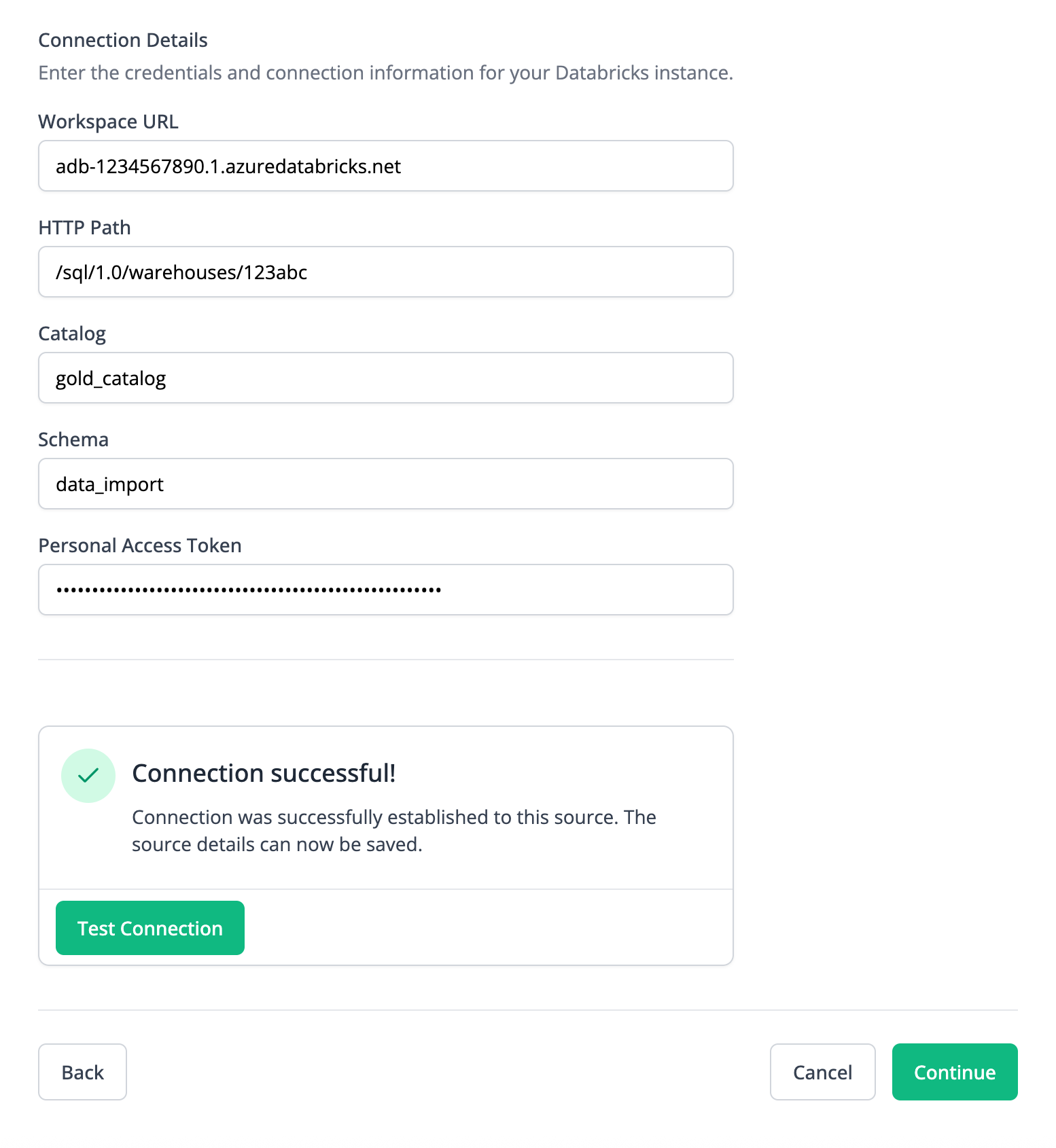
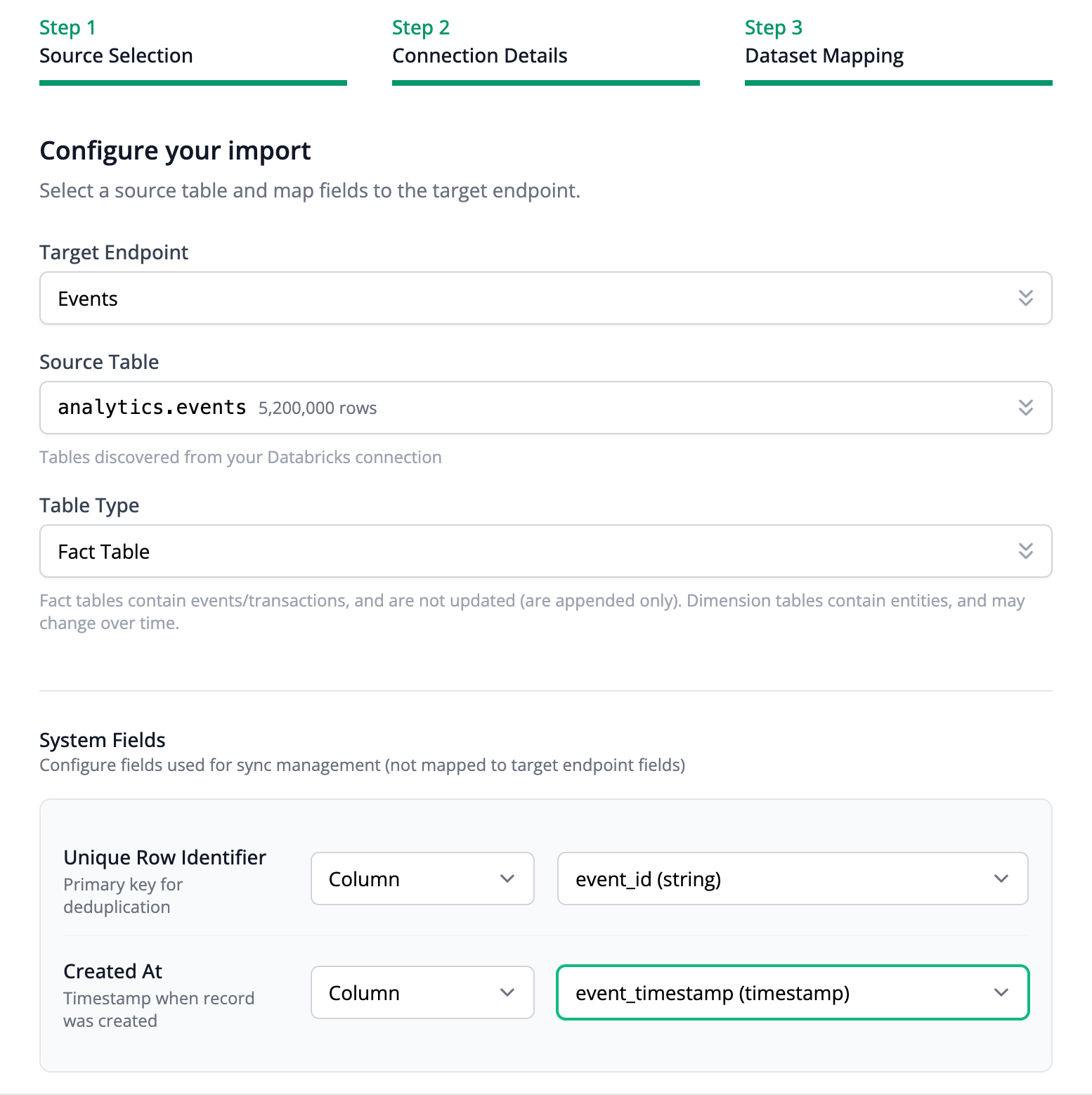
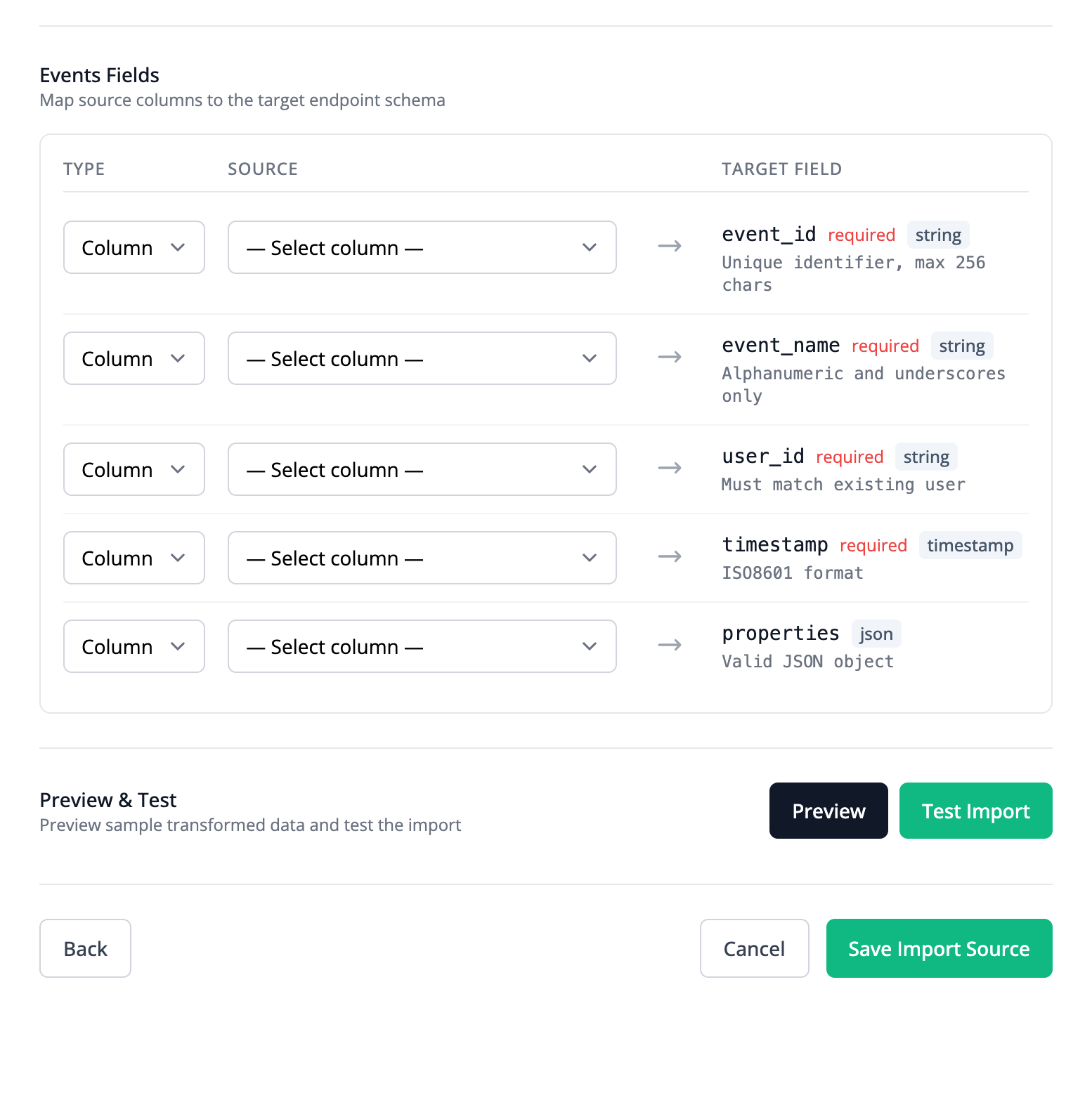
Prequel Import exposes the APIs and SDKs you need to create your own setup flow. Our SDK is designed to support a Setup Connection experience that resembles the experience in the Admin UI, and consists of 3 parts:
Guide the user to select one of the supported Sources (e.g., Databricks, Snowflake, S3, etc.).
Collect connection details and provide connection test tools.
Guide the user to map their selected Source to a supported Destination, and support the mapping of columns to fields accordingly.
## Monitoring experience
Similarly, Prequel Import exposes the APIs and SDKs you need to create your own sync monitoring experience.
For more details and design inspiration, see the [React SDK](/import/developer-sdks/react-sdk) guide.
# Native embedding
Prequel Import is designed to be fully embedded, and our API and developer SDKs make that simple.
### Developer APIs
Use the Prequel Import API to build a fully custom connection experience for your customers.
[View API documentation](/import/api-reference/introduction)
### Developer SDKs
Use our developer SDKs to quickly integrate Prequel Import into your application.
[View Developer SDKs](/import/developer-sdks/react-sdk)
## Alternatives to full embedding
Prequel Import also supports alternative options for connecting and configuring Providers and their Sources.
Use the Prequel Admin UI to manage Providers and Sources without writing code.
Share secure, one-time links with your customers to let them configure their own connections.