> ## Documentation Index
> Fetch the complete documentation index at: https://docs.prequel.co/llms.txt
> Use this file to discover all available pages before exploring further.
# Slack
> Use webhooks to monitor Prequel events directly in your Slack account.
Use this guide as an example of how to setup your Slack account to receive Prequel webhook events.
## Create a Slack app in your Slack account
1. Create a new channel or find a channel where you'd like to deliver Prequel webhook events.
2. Navigate to the **[Create App](https://api.slack.com/apps/new)** flow in your browser and click "From scratch".
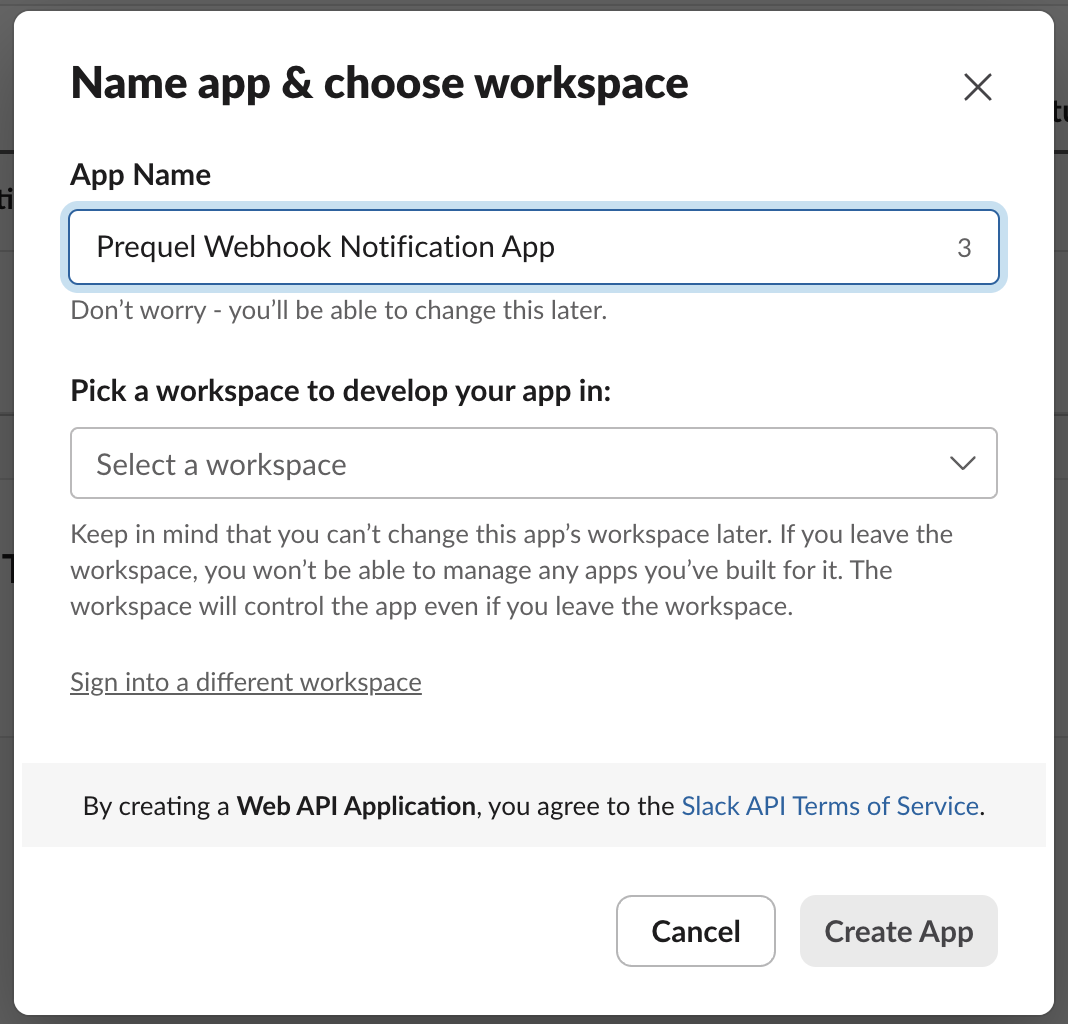
3. Create a name, for example **"Prequel Webhook Notification App"**, and pick your workspace where you'd like to send the events. Click **"Create App"**.
1. In the **Features and functionality** section, select **Incoming webhooks**. Turn "**Activate Incoming Webhooks**" to the "**On**" position. At the bottom of the menu, under "Generate a Webhook URL for your Workspace", click "**Add New Webhook to Workspace**". In the following prompt, select the channel where you'd like to receive notifications and click "**Allow**".
2. Record the generated URL. It should look like `https://hooks.slack.com/services/W098X7YZZ6/A12BC34DEFG/AbCdEfgHIjklM12no3PqrSTU`.
Learning about advanced Slack App functionality
For more information about configuring your Slack App, you can refer to Slack's documentation: [https://api.slack.com/messaging/webhooks](https://api.slack.com/messaging/webhooks)
## Add your Slack web request URL as your webhook target
1. Using your **Prequel API key** and **Webhook URL**, subscribe to the events you'd like to post to your selected Slack channel destination. You can find the API documentation here (or `POST` the request using the interactive request builder): [Create webhook](/export/api-reference/webhooks/create-webhook)
```bash title="Create webhook request" icon="terminal" expandable theme={null}
curl --request POST \
--url https:///webhooks \
--header 'X-API-KEY: ' \
--header 'content-type: application/json' \
--data '
{
"webhook": {
"vendor": "slack",
"api_version": "2023-10-15",
"name": "Slack Webhook Subscription",
"url": "https://hooks.slack.com/services///",
"events": [
"transfer.error",
"destination.created"
]
}
}
'
```
## FAQ
Why does Prequel have a specific Slack webhook type?
Slack recommends a specific payload shape for incoming webhooks. When `"vendor":"slack"` is used when creating the webhook subscription, Prequel will use a specific JSON payload that can be interpreted easily by Slack for every message.