> ## Documentation Index
> Fetch the complete documentation index at: https://docs.prequel.co/llms.txt
> Use this file to discover all available pages before exploring further.
# How Prequel Export works
> Connect a source, declare what is shared, and Prequel syncs it to each customer's destination on a schedule.
Prequel Export moves data from a database, warehouse, or object store you control into your customers' own data stores, on a schedule, filtered to each customer's rows. You configure it once through the API or Admin UI, and Prequel handles extraction, type mapping, change detection, and delivery across vendors and connection types.
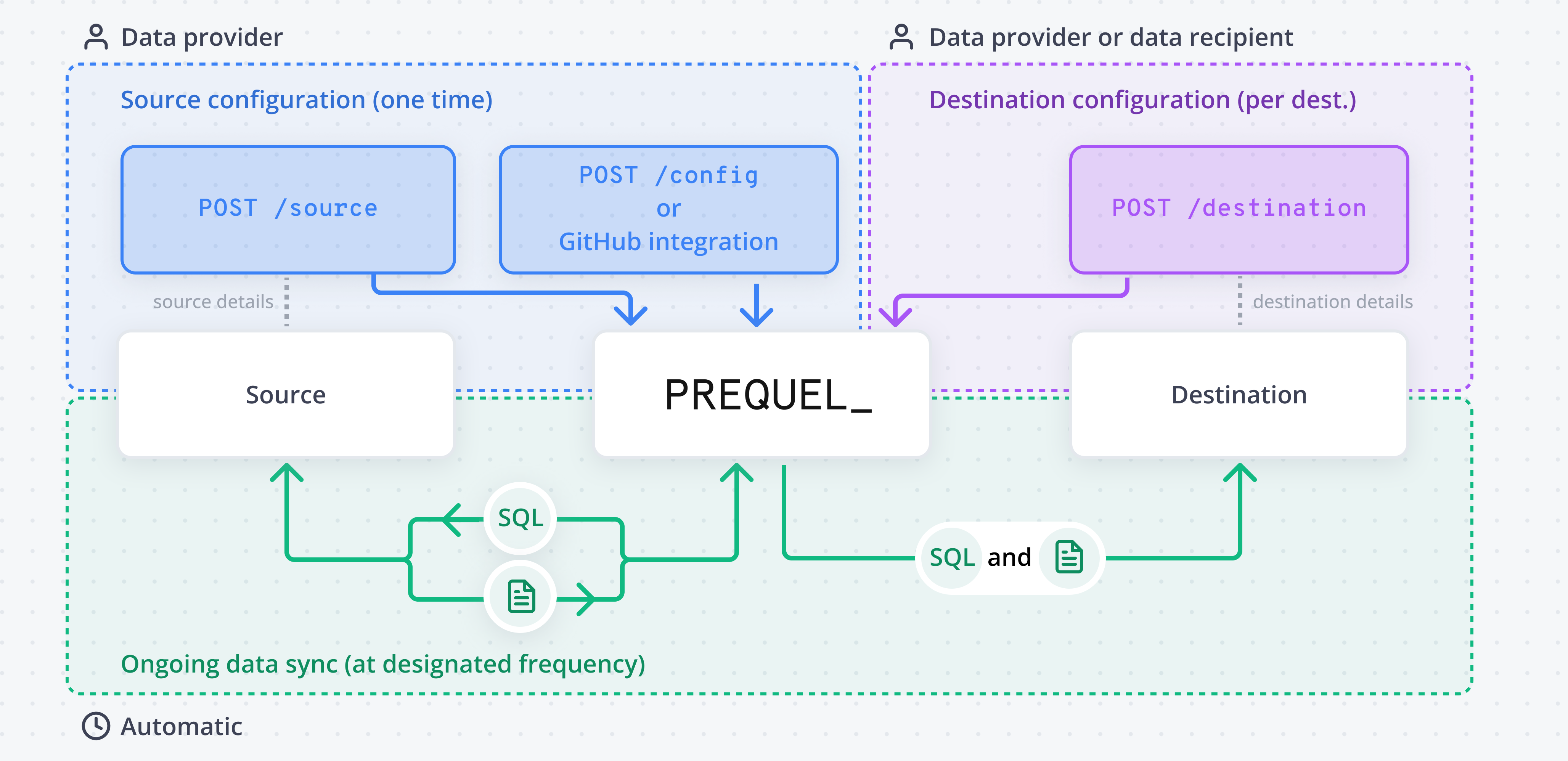
## The building blocks
The database, warehouse, or object store Prequel reads from.
Declares which source table and columns are shared, how rows are filtered per tenant, and how changes are detected.
One of your customers. Their rows are matched by a tenant identifier so they only receive their own data.
Where a recipient receives their data. Owned by the recipient.
[Models](/export/concepts/models) can be grouped into [products](/export/concepts/products) to control which subset of data each recipient receives.
## How a transfer works
Prequel connects directly to your source and reads only the tables your models reference.
Each model maps a source table to destination columns, with one column flagged as the primary key and one as the last-modified timestamp for change detection.
Add a recipient for each customer and connect the destination they receive data into. The recipient's tenant identifier scopes every transfer to that customer's rows.
The first transfer runs a full refresh; subsequent [transfers](/export/concepts/transfers) sync only changed rows on the configured [frequency](/export/features/orchestration), with [schema evolution](/export/features/schema-evolution) and [data integrity checks](/export/features/data-integrity-checks) handled automatically.
Ready to build a pipeline end to end? Start with the [Quickstart guide](/export/getting-started/quickstart).