> ## Documentation Index
> Fetch the complete documentation index at: https://docs.prequel.co/llms.txt
> Use this file to discover all available pages before exploring further.
# Building your customer experience
> The four ways to onboard your customers to Prequel Export, from self-serve magic links to a fully embedded SDK.
Prequel supports four ways to onboard your customers' destinations. Use them on their own or together, depending on your product and team.
Send a secure self-onboarding link. No code required.
First-party guided onboarding, done by you in the Admin UI.
Drop pre-built, themeable components into your React app.
Build a fully custom experience against the Export API.
## Magic links
Magic links offer a secure self-onboarding experience for your customers. When a customer opens their link, they get a pre-configured form scoped to their destination type and account, with a built-in connection test so they can validate their credentials before finishing. You provide a few details upfront to scope the link to a specific customer and destination.
Magic links are single-use and expire after 7 days. See [Recipients](/export/concepts/recipients) for how they fit into onboarding.
## Prequel Admin UI
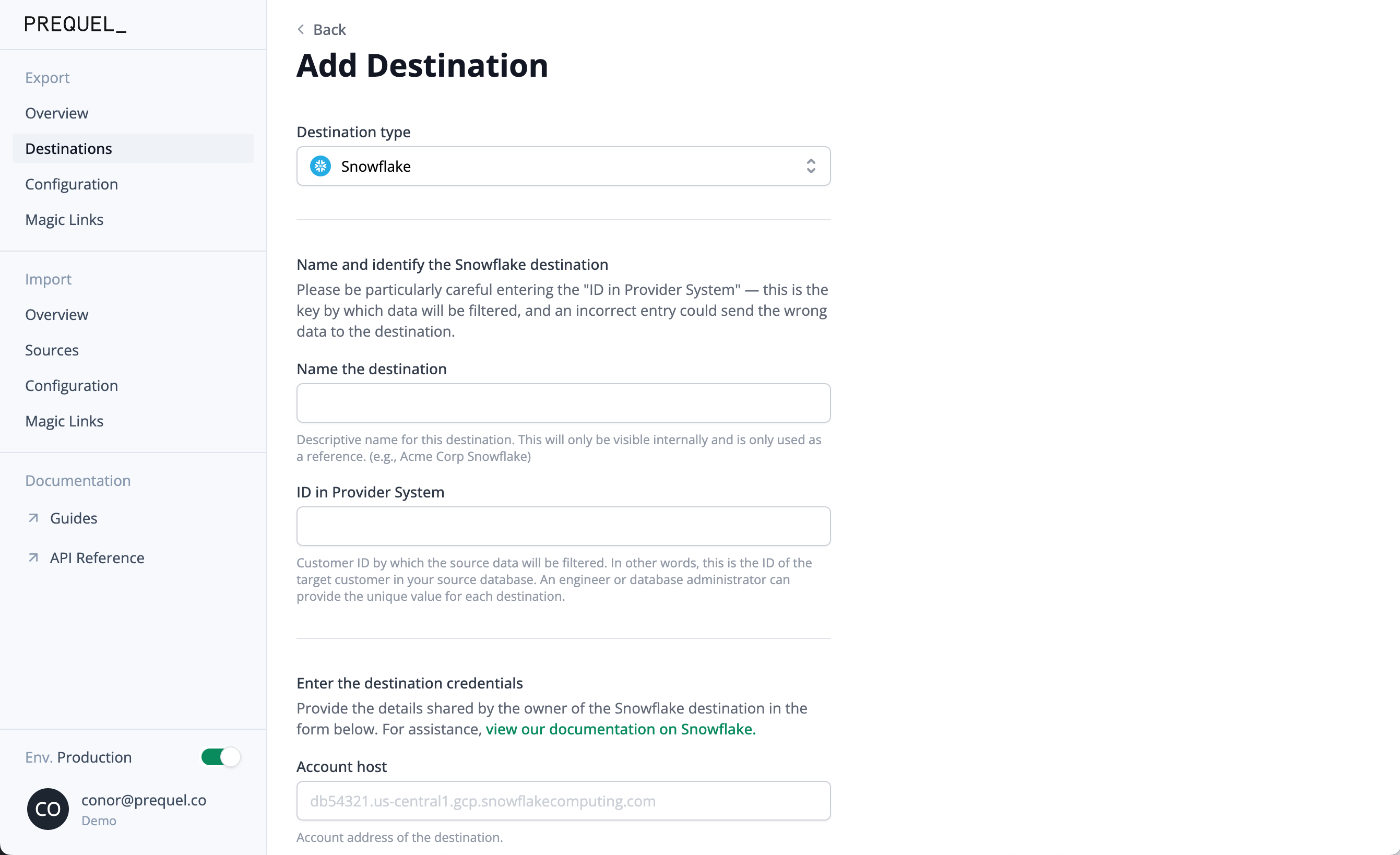
Onboard a customer destination yourself, directly in the Prequel Admin UI, with no code. This suits first-party guided onboarding, ad-hoc setup, internal testing, or credential-less destinations where a self-serve flow is not needed.
## React SDK
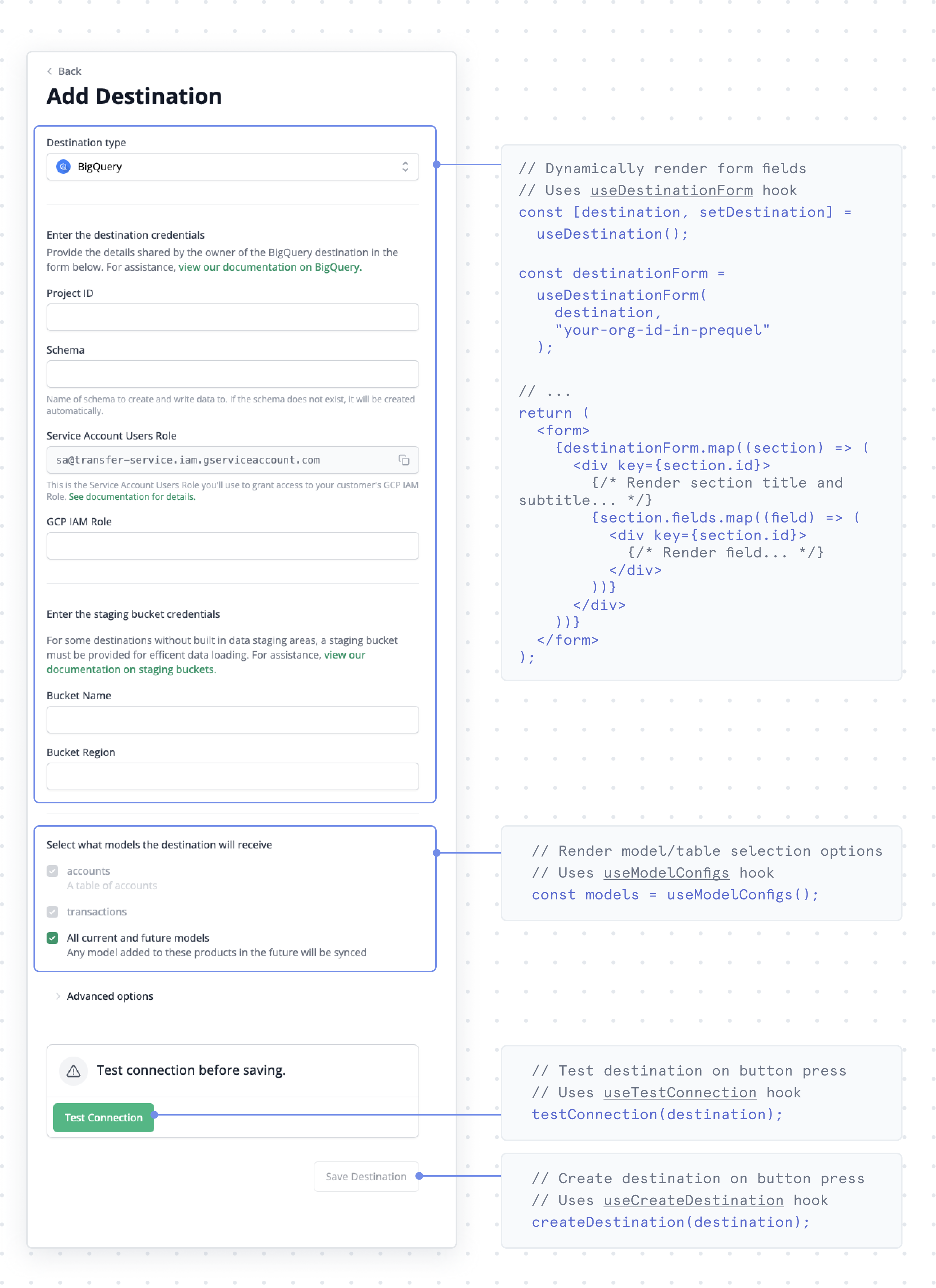
The React SDK provides pre-built, themeable components for destination onboarding and monitoring inside your React app. It handles tenant-scoped authentication, form rendering, and connection validation, so you can embed customer-facing data syncing without building it from scratch. See the [React SDK](/export/sdks/react/overview) and [Authentication](/export/sdks/react/authentication) guides.
## API
Build a fully custom experience against the [Export API](/export/api-reference/overview). The API covers the full lifecycle: creating and managing sources, destinations, recipients, and models, and triggering transfers from your own UI.
## Monitoring experience
Give customers visibility into their syncs: which destinations exist, when the last transfer ran, and whether it succeeded.
List the destinations a recipient has connected.
Surface per-destination transfer history and status.
For automated alerting on transfer outcomes, pair the in-product view with [webhooks and monitoring integrations](/export/monitoring/monitoring).